All Your Case Updates in One App
KLL partners with Case Status, a secure and user-friendly app that provides real-time updates on your case. There's no need to remember a username or search through emails. Simply open the app on your phone to instantly view the latest progress and communications from your legal team.
Download the App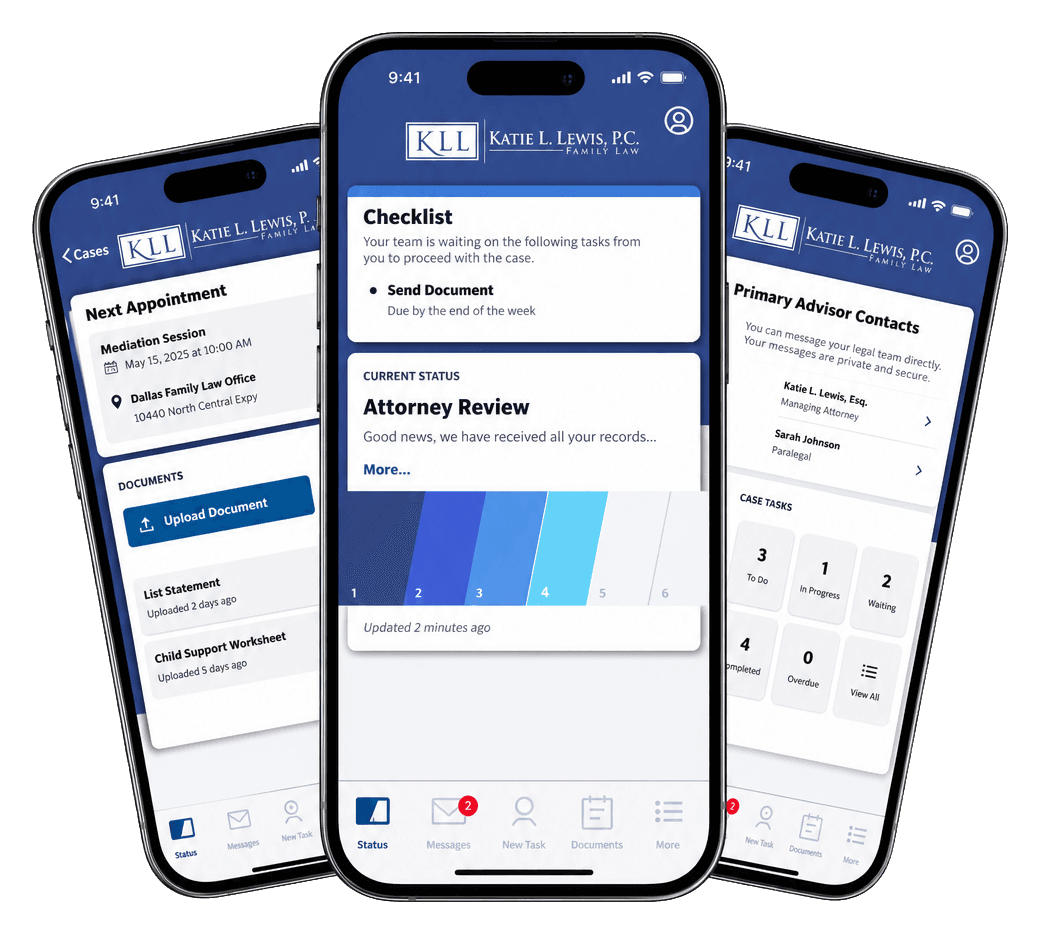
How to Access Your Case Status in 3 Easy Steps
Download the App
Go to the App Store or Google Play and search for Case Status, or use the button below.
Download the AppLog In with Your Phone Number
Open the app and enter your mobile number. You'll receive a verification code by text to log in.No password or username needed.
View Your Case with KLL
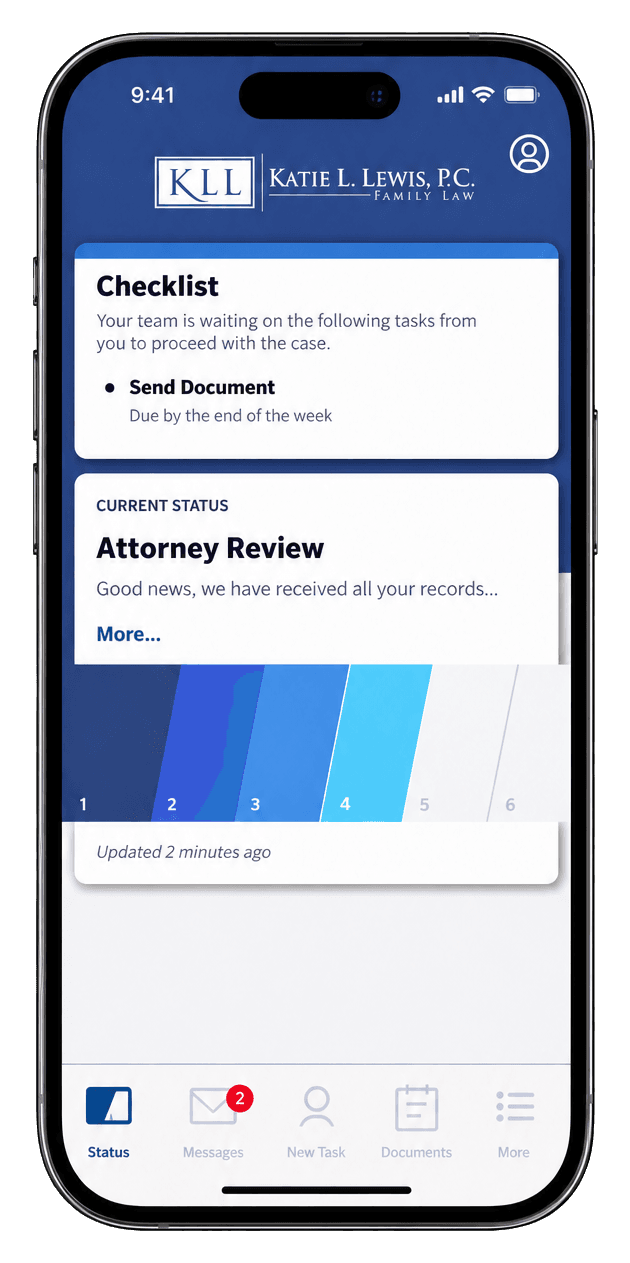
Once logged in, you'll see the KLL firm name and logo. Open your case details to view updates, messages, appointments, and next steps.
Watch How It Works
Watch this short video to learn how to navigate Case Status, view your case updates, and stay connected with your legal team.